
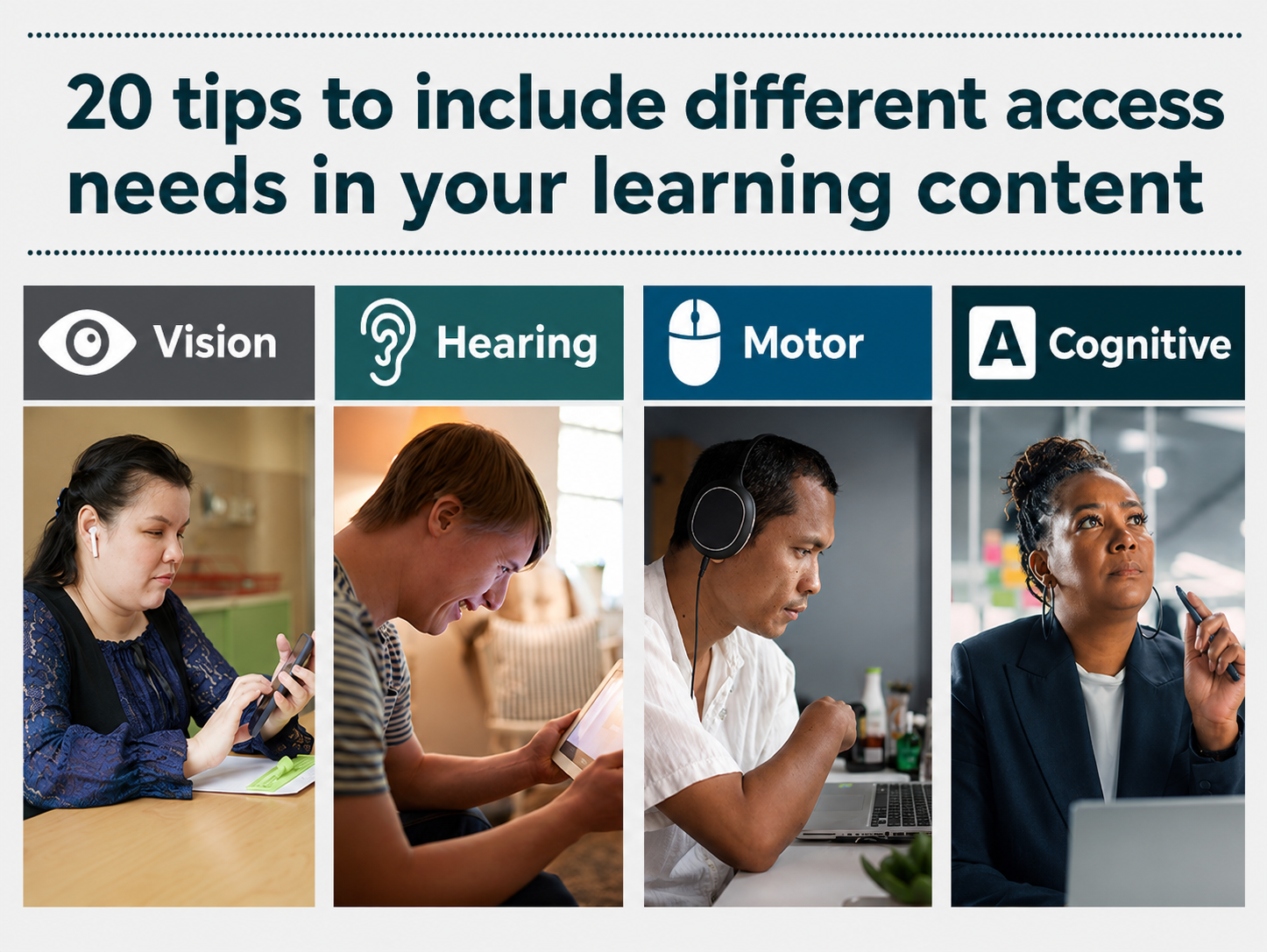
In this post we share our most practical eLearning accessibility tips to help you get started creating more accessible online learning. For a more thorough introduction to accessible and inclusive learning, explore our Accessible and inclusive eLearning – eLaHub ultimate guide.
Back in 2019 when we started eLaHub, accessibility was rarely considered in mainstream Learning and Development (L&D). As awareness began to grow, and our training and consultancy work expanded, we began to understand some of the key challenges that were stopping learning practitioners from getting on board with accessibility.
Knowing where to start
We found that most practitioners wanted to make their digital learning content more accessible, but often they had no clear idea of where to begin and felt completely overwhelmed. This was primarily because the standards they needed to understand and apply were complex and challenging.
The internationally recognised Web Content Accessibility Guidelines (WCAG) were written for web content and use technical language aimed largely at web developers. Most learning practitioners work with rapid authoring tools and rarely need to engage with underlying code, which can make translating the standards into practical decisions about learning content complex and frustrating.
Practitioners also reported finding the scale of WCAG daunting. The latest version WCAG 2.2, for example, contains 86 success criteria. 55 of those are at Levels A and AA, which are required for most accessibility legislation and best practice in organisations.
Accessibility tips beyond screen readers
Another issue we began to recognise more and more often was that many practitioners associated accessibility almost entirely with blind people who use screen readers. Due to limited awareness of how screen readers work, this often led to teams stripping out visual content like images, videos and interactions rather than making them accessible.
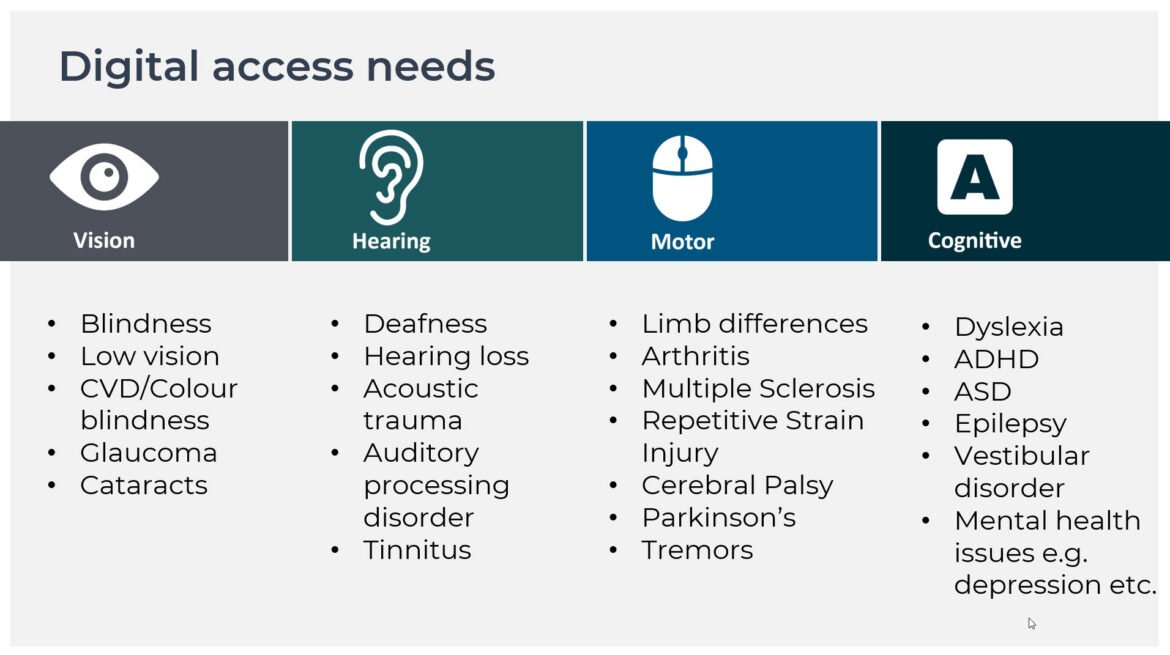
This narrow view also meant that other access needs were often overlooked, including:
- vision access needs beyond screen-readers
- hearing access needs
- motor access needs
- cognitive access needs
Our Insights post, Digital access needs – challenging assumptions, looks more closely at different access needs and conditions, including the importance of considering speech access needs alongside vision, hearing, motor and cognitive access needs.
Another misconception we wanted to challenge was the idea that accessibility only affected a very small proportion of the learning audience. This came up particularly often in our work with clients, where we repeatedly heard variations of, “But we don’t have any disabled people in our audience.”
Creating a practical starting point
To address these challenges, we created a practical leaflet for learning practitioners. First published in 2022, our Why design accessible learning content? leaflet was designed to help practitioners get started and to begin shifting the dial on accessibility in L&D.
We wanted to give practitioners a manageable way into accessibility, broaden their view of who it applies to and provide practical actions they could begin using straight away.
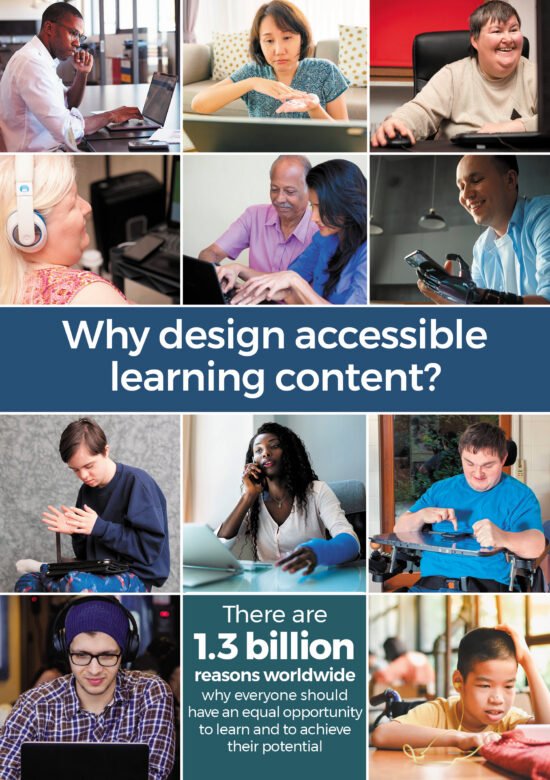
The leaflet included 20 accessibility tips for online learning covering vision, hearing, motor and cognitive access needs. We chose tips that were straightforward to process and apply, giving practitioners a useful starting point without asking them to tackle all of the WCAG standards. On the cover, we also included the World Health Organization’s estimate that 1.3 billion people worldwide ‘experience significant disability’. This represents 16% of the world’s population, or 1 in 6 of us, helping to challenge the idea that accessibility affects only a small number of learners.
Why this approach still works
We continue to receive really positive feedback about the leaflet from clients and from people who discover it through our advocacy work, partnerships, webinars and podcasts. They often tell us that it gives them a useful and manageable place to start with accessibility. We have continued to share the leaflet ever since because, in our experience, it remains one of the most effective ways to help practitioners take their first practical steps.
As our experience developed, we also gained a much deeper understanding of the support practitioners needed beyond those first steps. The leaflet provided a valuable introduction, but it became clear that practitioners needed more detailed guidance, practical application and ongoing support to embed accessibility across the learning design and development process. This led us to create our award-winning Designing Accessible Learning Content (DALC) Programme, which helps practitioners build the knowledge, confidence, capability and practical skills to apply accessibility more consistently in their work.
20 practical tips to improve the accessibility of your learning content
We also provide the option to download the PDF of our original leaflet ‘Why design accessible learning content’. Please see the resources section at the end of this post.
Vision access needs
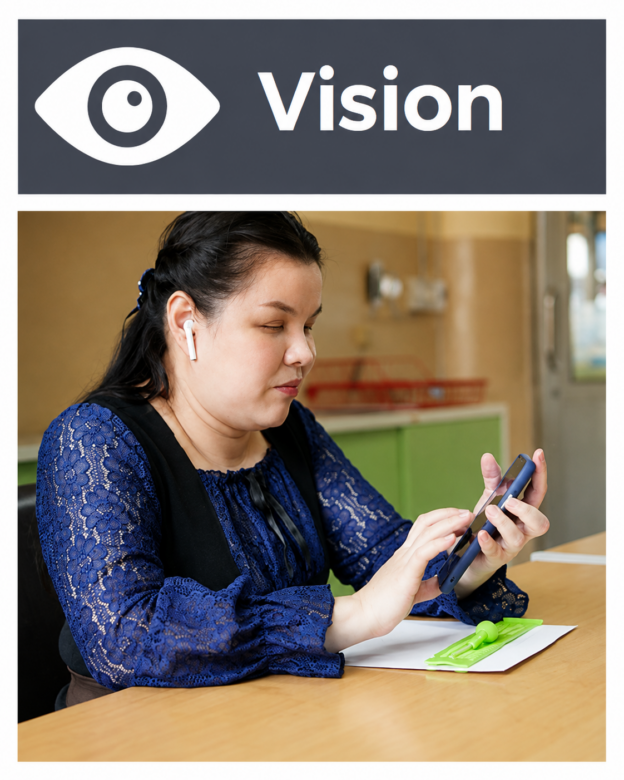
- Make sure there is good colour contrast between text and background colours.
- Add alternative text to all images which add meaning and make sure images which don’t add meaning aren’t announced by assistive technology.
- Use heading styles so screen reader users can easily understand the structure of the learning and navigate.
- Do not convey meaning using colour alone (e.g. green for correct and red for incorrect).
- Provide audio description or descriptive transcripts for videos with important visual content.
Hearing access needs
- Provide synchronised, descriptive and accurate captions for video content.
- Provide transcripts for audio and video content.
- Avoid audio-only instructions or warnings (e.g. a warning sound if learners make a mistake).
- Allow learners to control the audio volume.
- Avoid background audio behind speech in audio tracks unless it is quiet enough not to cause distraction or learners can switch it off.
Motor access needs

- Make sure that learners can use all the functionality of the learning resource with a keyboard.
- Make sure there is a clear ‘visible focus indicator’ to show when interactive items have been selected with a keyboard.
- Avoid interactions which rely on the use of a mouse such as ‘drag and drop’ interactions.
- Use clear and consistent navigation.
- Use inclusive instructions, (e.g. select instead of click, enter instead of type etc.)
Cognitive access needs
- Allow learners to control any time limits – or do not set them.
- Allow learners to pause, stop or hide any moving elements in the learning resource.
- Use the clearest and simplest language appropriate for the context and audience.
- Do not include any content which flashes more than three times per second.
- Provide transcripts for audio and video content.
About this article
Written by: Susi Miller and the eLaHub team
First published: April 2022
Last reviewed and updated: August 2026
Explore more with the eLaHub newsletter
For longer thought-leadership articles, practical guidance and strategic perspectives on accessible and inclusive learning, subscribe to our newsletter The eLaHub Accessibility Briefing.
Each edition explores an important topic in greater depth, drawing on research, client experience and lived experience. You will find clear guidance, practical reflections and useful ideas to help you move accessibility forward across your organisation.
[Subscribe to the newsletter]
Links and resources
How to Meet WCAG (Quick Reference) Version 2.2
World Health Organization – Disability
Accessible and inclusive eLearning – eLaHub ultimate guide
Designing Accessible Learning Content (DALC) Programme